Bring Arabic Teaching Into One Connected Experience
Seesaw brings Arabic teaching, assessment, portfolios, feedback, and family engagement together in one place. Create and adapt activities, capture reading and speaking, differentiate learning, and make progress visible without switching tools. With teacher-guided AI built in, educators can create, adapt, and translate activities more efficiently while staying in control.
Differentiate Arabic Learning to Support Every Learner
Seesaw brings Arabic teaching, assessment, differentiation, portfolios, and family engagement into one connected platform. Teachers can create joyful, multimodal learning experiences, capture progress, and respond to learner needs with clearer evidence of understanding.
Multimodal Arabic Learning
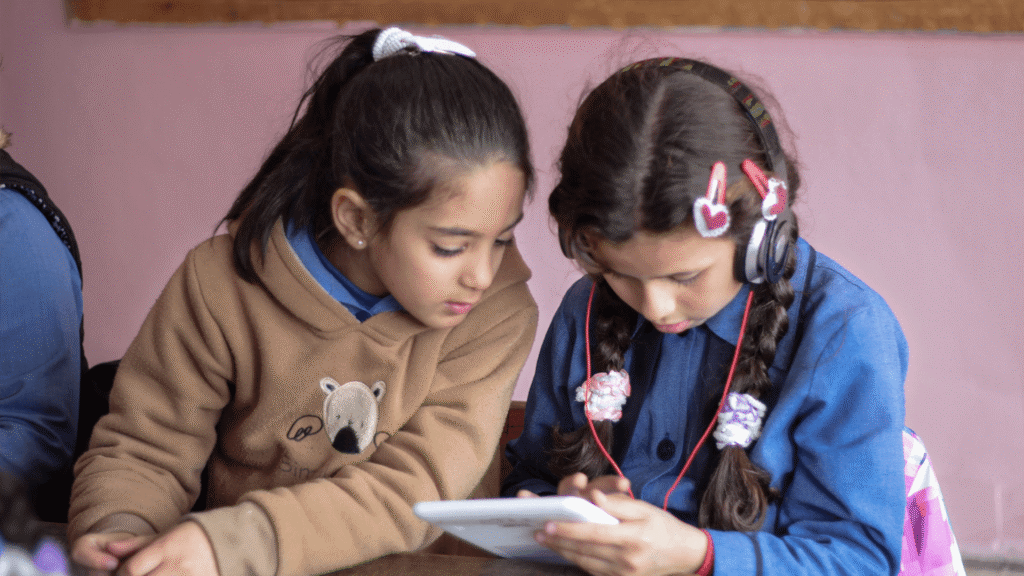
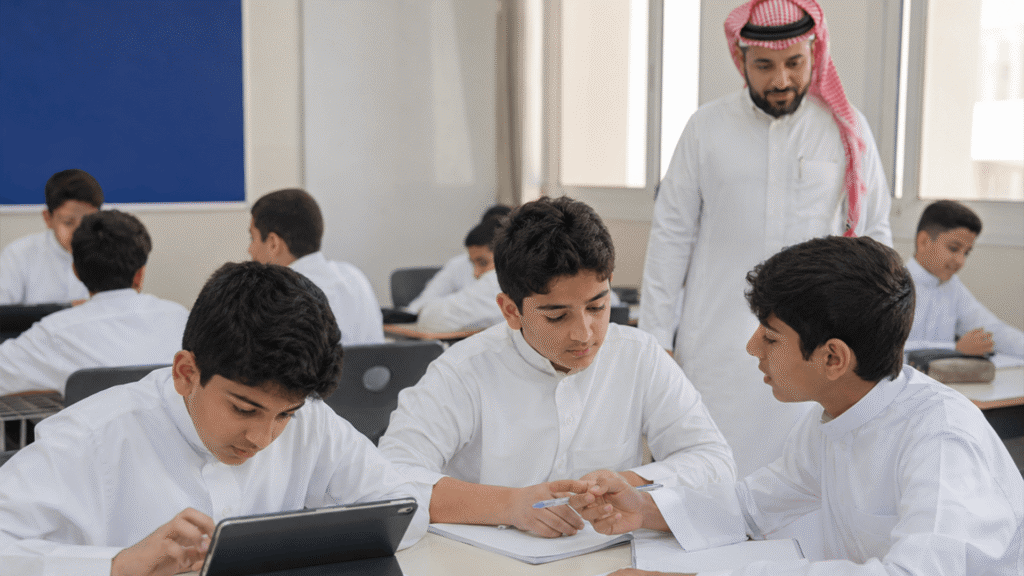
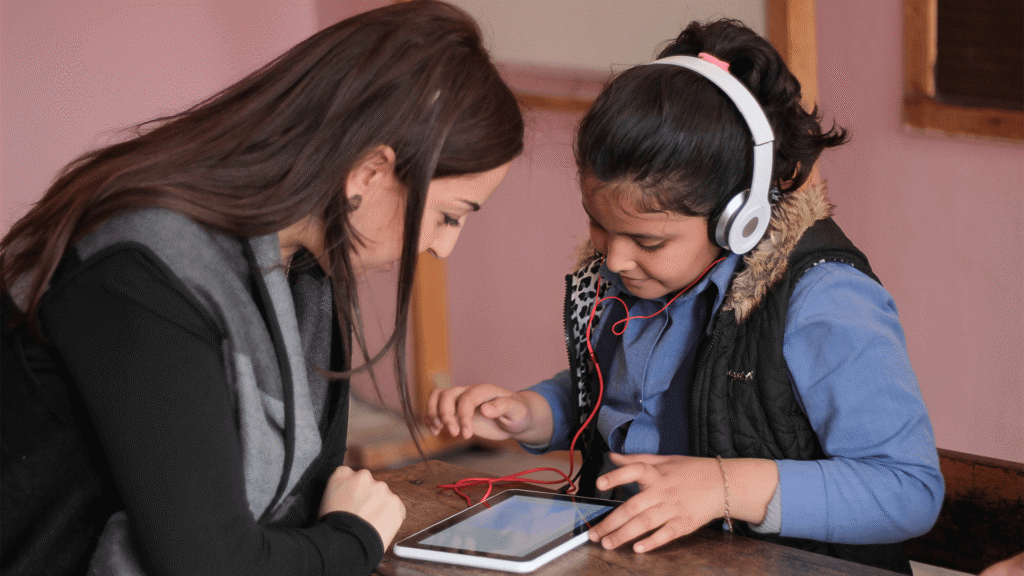
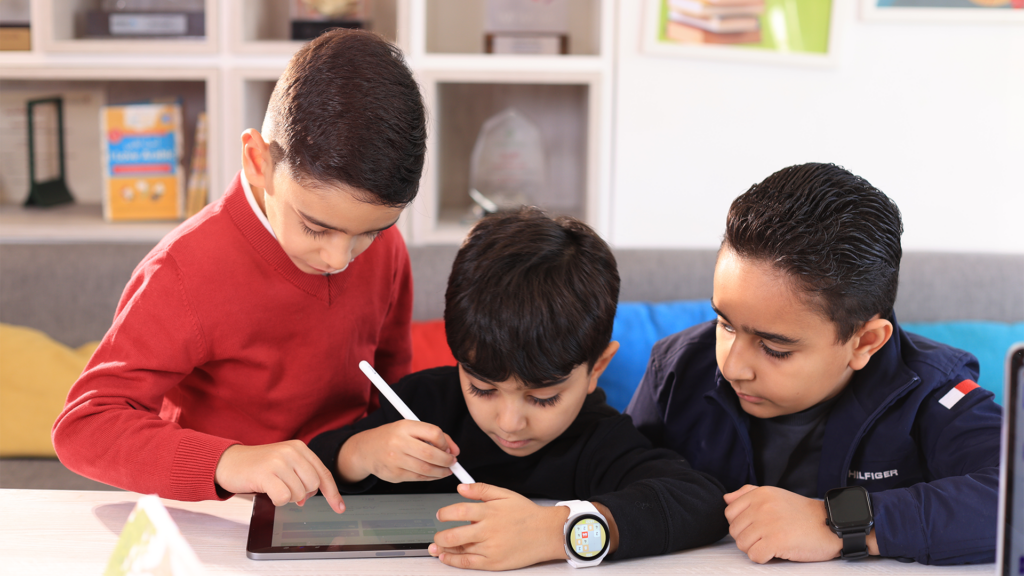
Give students multiple ways to demonstrate reading, writing, speaking, and understanding through voice, video, drawing, writing, and photos.
Assessment and Visible Progress
Use authentic student work, formative assessment, feedback, and digital portfolios to identify strengths, support learning needs, and make progress visible over time.
Teacher-Guided Seesaw AI
Create, adapt, and translate activities more efficiently with Seesaw AI while keeping teachers in control of what students see and experience.
Create Arabic Learning Experiences in Minutes, Not Hours
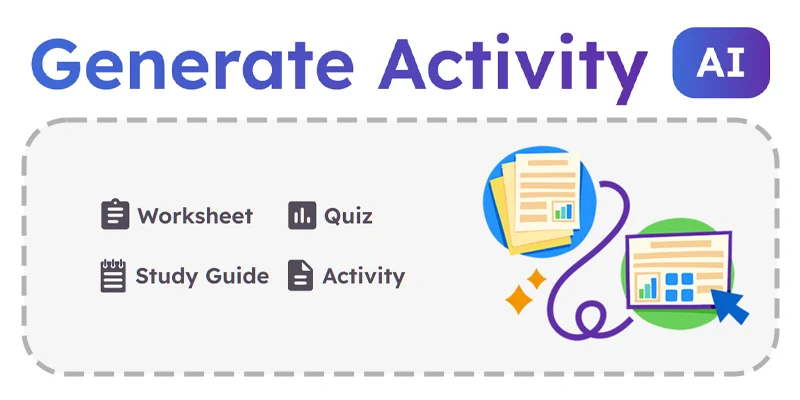
Turn existing resources into engaging, multimodal Seesaw activities with teacher-guided AI. Generate activity drafts, translate text, create formative questions, and adapt learning for individuals, groups, or the whole class.
Every AI-supported output is a starting point. Teachers can review, edit, and approve the content before sharing it with students.
“Seesaw helps students engage with learning, showcase their progress, and reflect on their work in meaningful ways. It allows me to give timely feedback, involve families, and differentiate activities for native and non-native Arabic speakers.”
Ali E. | Arabic Teacher | Ranches Primary School, UAE
“Seesaw creates a direct connection with families and gives students different ways to submit work and demonstrate their learning. It also supports handwriting, which is essential in the Arabic curriculum, while free-response activities give students space to express themselves.”
Allen K. | Arabic as a Second Language Teacher | Saudi Arabia
“Seesaw is like a classroom assistant—supporting every learner at their own pace and giving me more time to work with small groups. I can listen to student recordings, provide feedback on pronunciation, and help each learner progress according to their ability.”
Reem A. | Arabic B Language Teacher | American School of Dubai, UAE
Create Your Free Account and Start Capturing Student Learning Right Away
Join a growing community of educators sharing activities, strategies, and ideas for engaging Arabic learners.
Access professional learning, practical guidance, and classroom inspiration to help you make the most of Seesaw and strengthen Arabic teaching and learning across your school.
Think Seesaw could strengthen Arabic learning across your school? We’ll help you show its value to leaders, build support, and introduce Seesaw in a way that works for teachers, learners, and families.
Seesaw supports secure, connected learning experiences with student privacy, controlled access, school oversight, and educator responsibility at the centre.
Students are given a secure, age-appropriate environment in which to capture, reflect on, and share their learning. Teachers and school leaders manage how content, communication, assessment, access, and AI-supported workflows are used within Seesaw.
Role-based access and administrative controls
School-managed permissions and visibility
Secure family communication
Teacher review and control of AI-supported content
Secure authentication and data-protection processes
Privacy and security documentation for school review