
When your district selected an LMS (Learning Management System), it may have seemed like the right choice: a familiar name, broad adoption, and lots of features. But what if that LMS was really built for older students — middle and high school — and not optimized for K-5 learners? If you’re supporting a TK–6 campus or an elementary-only environment, that mismatch can show up every day. Here are five warning signs.

1. Text-Heavy Screens and Instructions
Younger learners are still developing reading fluency, and interfaces built for older students often rely on long paragraphs or abstract labels. Research shows that LMS designs must “understand the needs and expectations of each user group to ensure the tools … correspond to their specific needs.” (ResearchGate)
If you find your youngest students struggling just to navigate the menu or understand assignment instructions, that’s a clue.
2. Minimal Support for Multimedia Responses
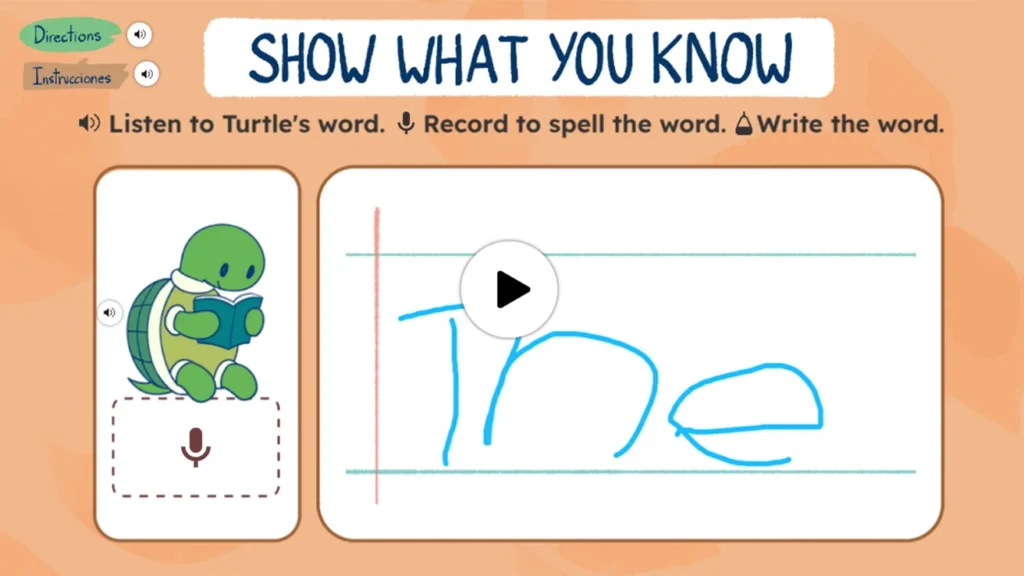
Elementary students benefit from drawing, audio recording, video, and voice rather than just typed responses. In fact, research on young learner technology use finds that scaffolding and intuitive tools matter for engagement (Edutopia).
If your LMS only allows text submission, you may be limiting student expression.
3. Poor Family or Parent Involvement
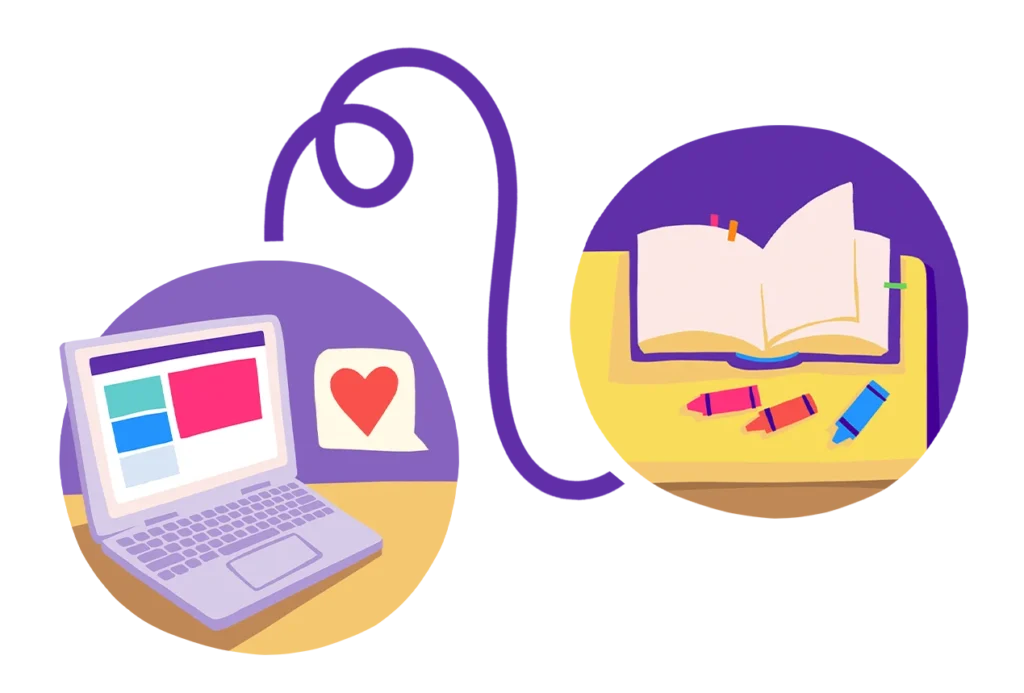
Elementary-aged students still need frequent, accessible communication between school and home. Systems built for older students often assume student independence.
Engagement research shows that younger learners “see drops in engagement as students move from elementary to middle and high school,” highlighting how important family connection is early on (Lexia Learning).
If your parent portal is clunky or requires multiple logins, that’s a red flag.
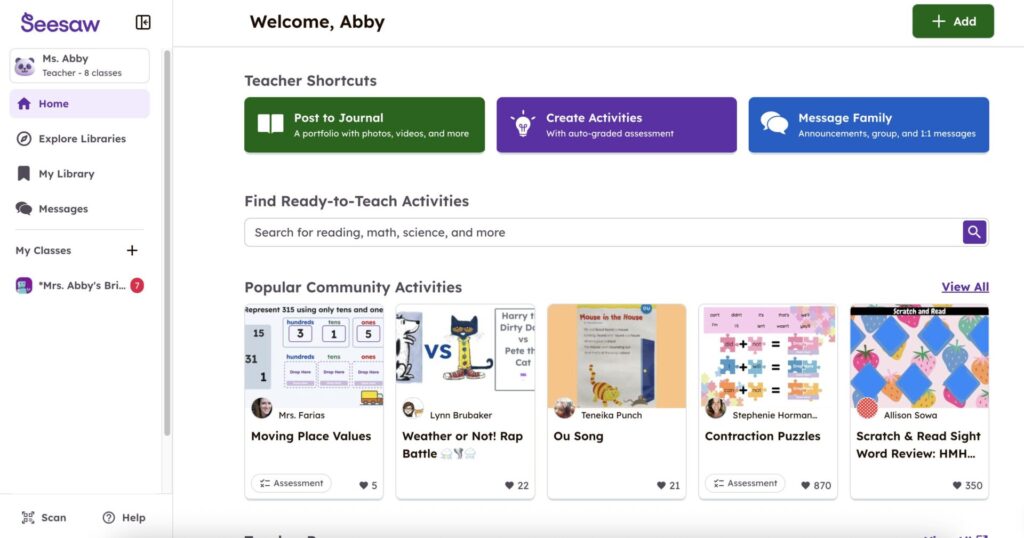
4. Teacher Workflows Optimized for Course Management
Many LMS assume long assignments, modules, discussion posts, and independent work — patterns more natural for older students. Elementary teachers, however, focus on scaffolding, centers, and showcasing student thinking (portfolios, voice/video, drawings). Research underscores the need for inclusive design that matches learner age (Frontiers in Education).
If your teachers are spending more time fighting the system than creating engaging learning experiences, your LMS might not fit.

5. Limited Analytics for Early Learning
Elementary schools often need tools that surface insights for foundational skills (reading, writing, ELD, early math). If your LMS only tracks assignment completion or grade averages, it’s missing the data elementary teams rely on.
If you recognize two or more of these signs, it’s time to ask: Is our LMS really built for our youngest learners?